

Best Gaming Desks for Under $900 in 2025: Premium Setups at Mid-Range Prices
The best gaming desks for under $900 put premium features within reach — electric sit-stand functionality, robust cable management, large surface areas, and durable construction that lasts a decade. At this price point, you have access to quality standing desks from established brands, premium fixed desks with gaming-specific features, and L-shaped configurations for corner setups. This guide covers the best gaming desks under $900 across all types and sizes.
For more options, see our best gaming desks overall guide and our best gaming desks under $1,200 for slightly higher budget options.

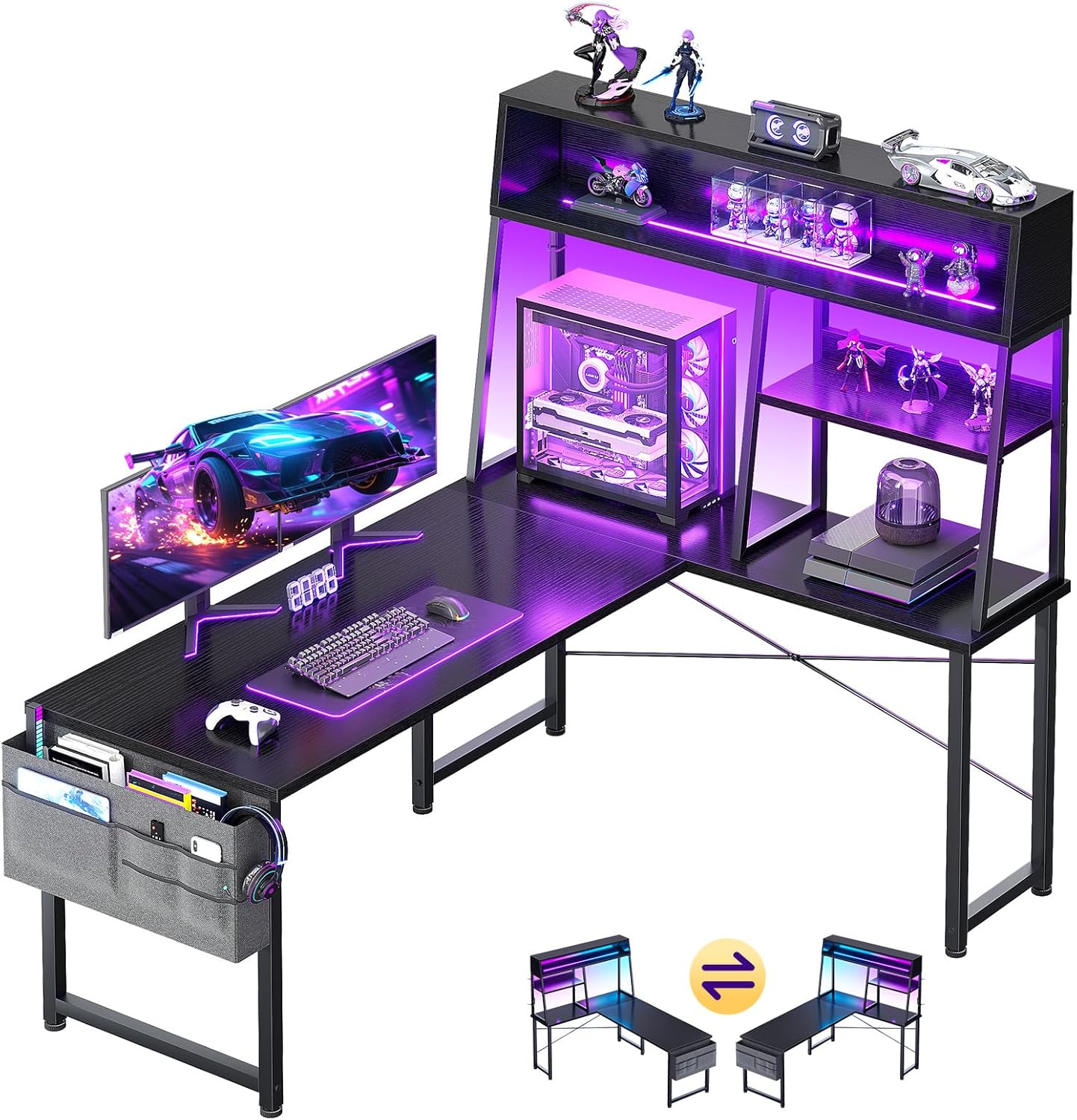

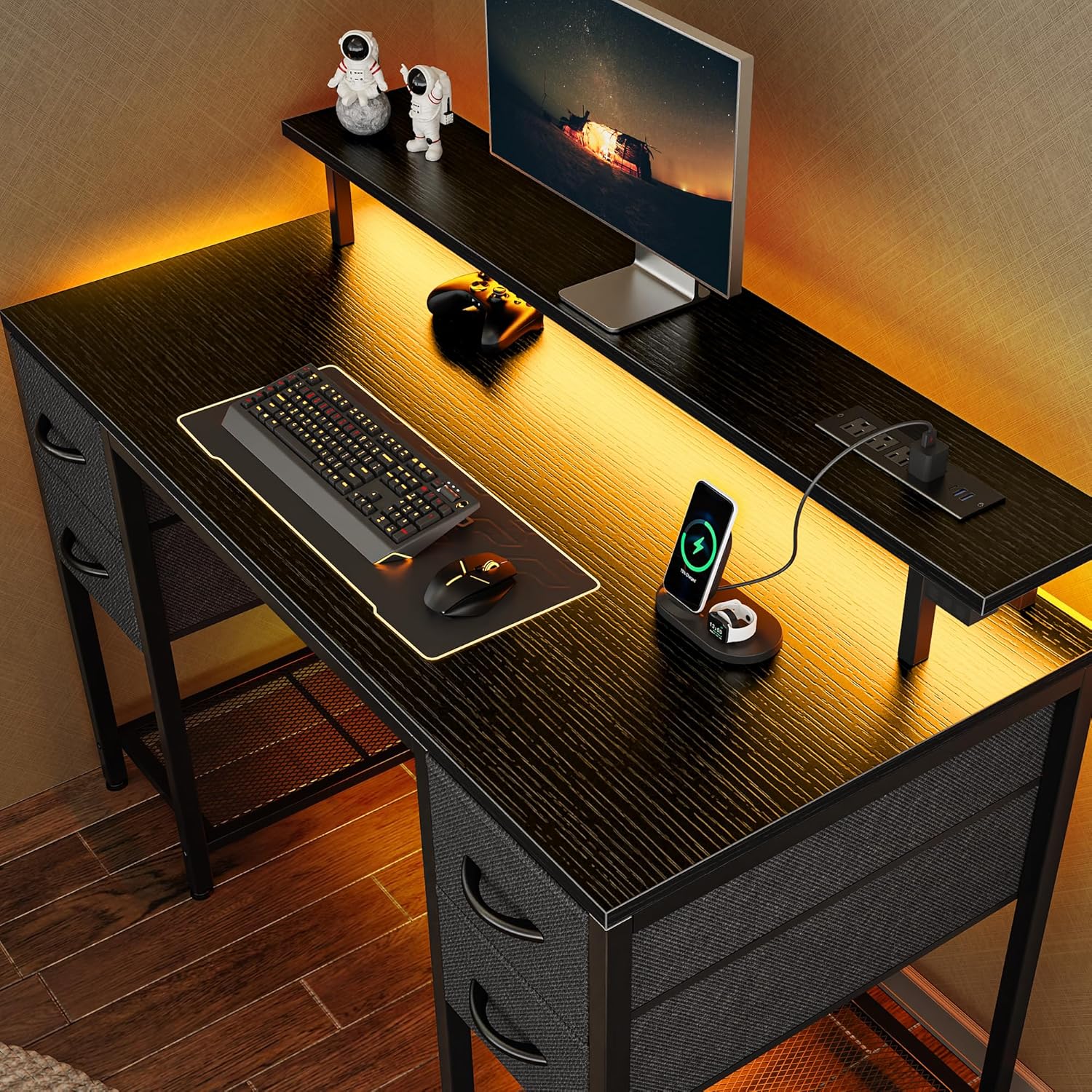

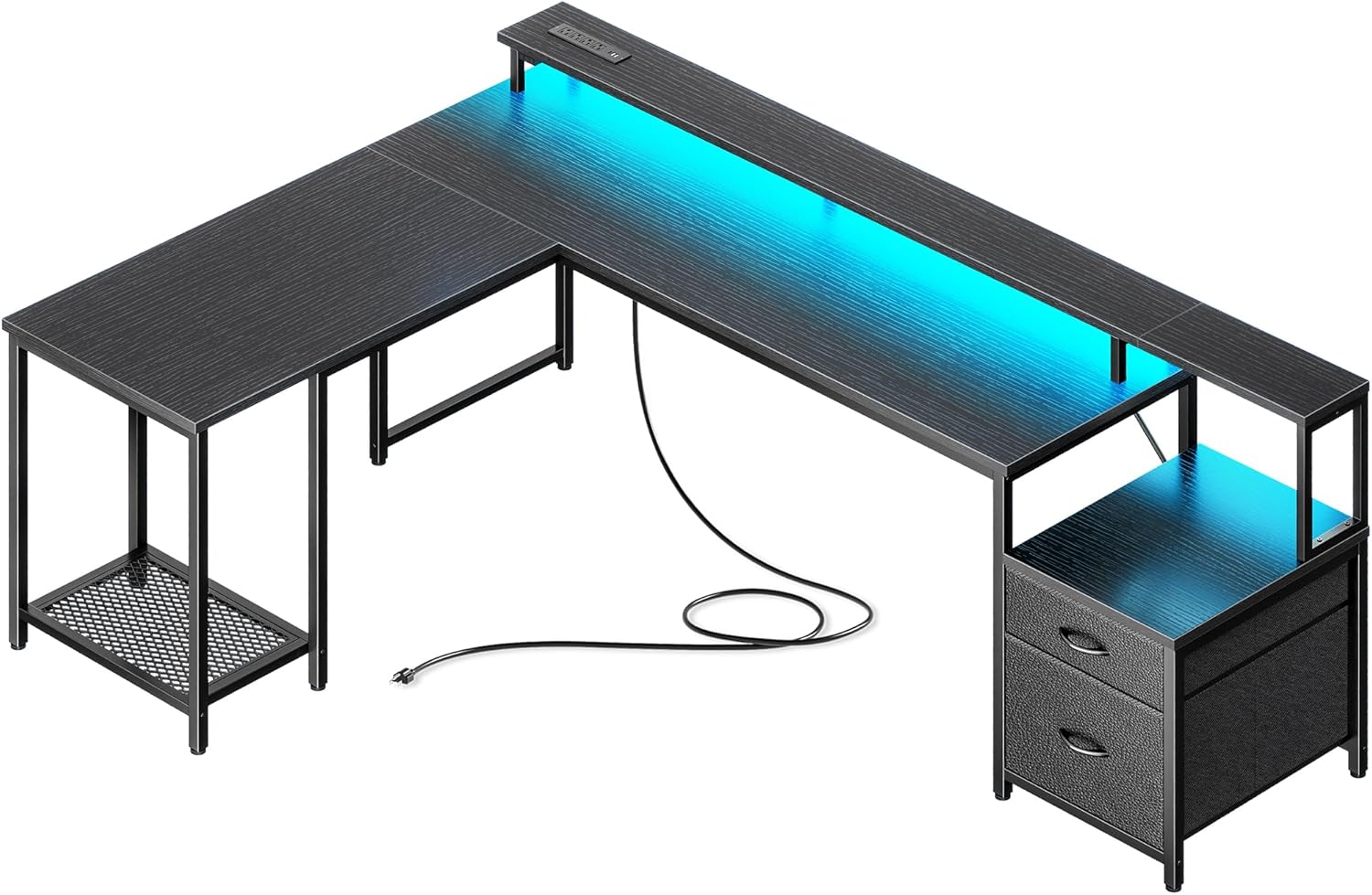


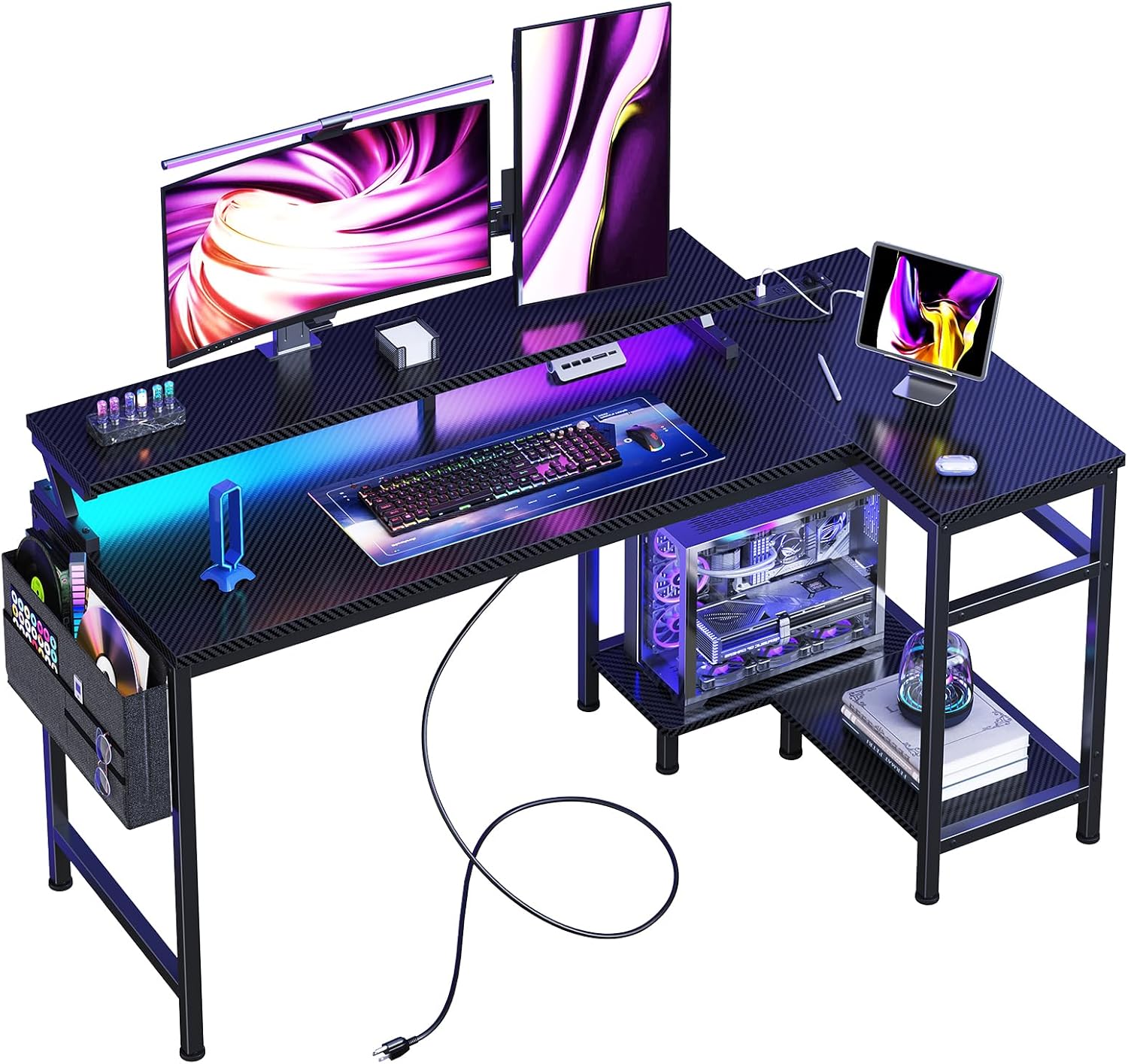


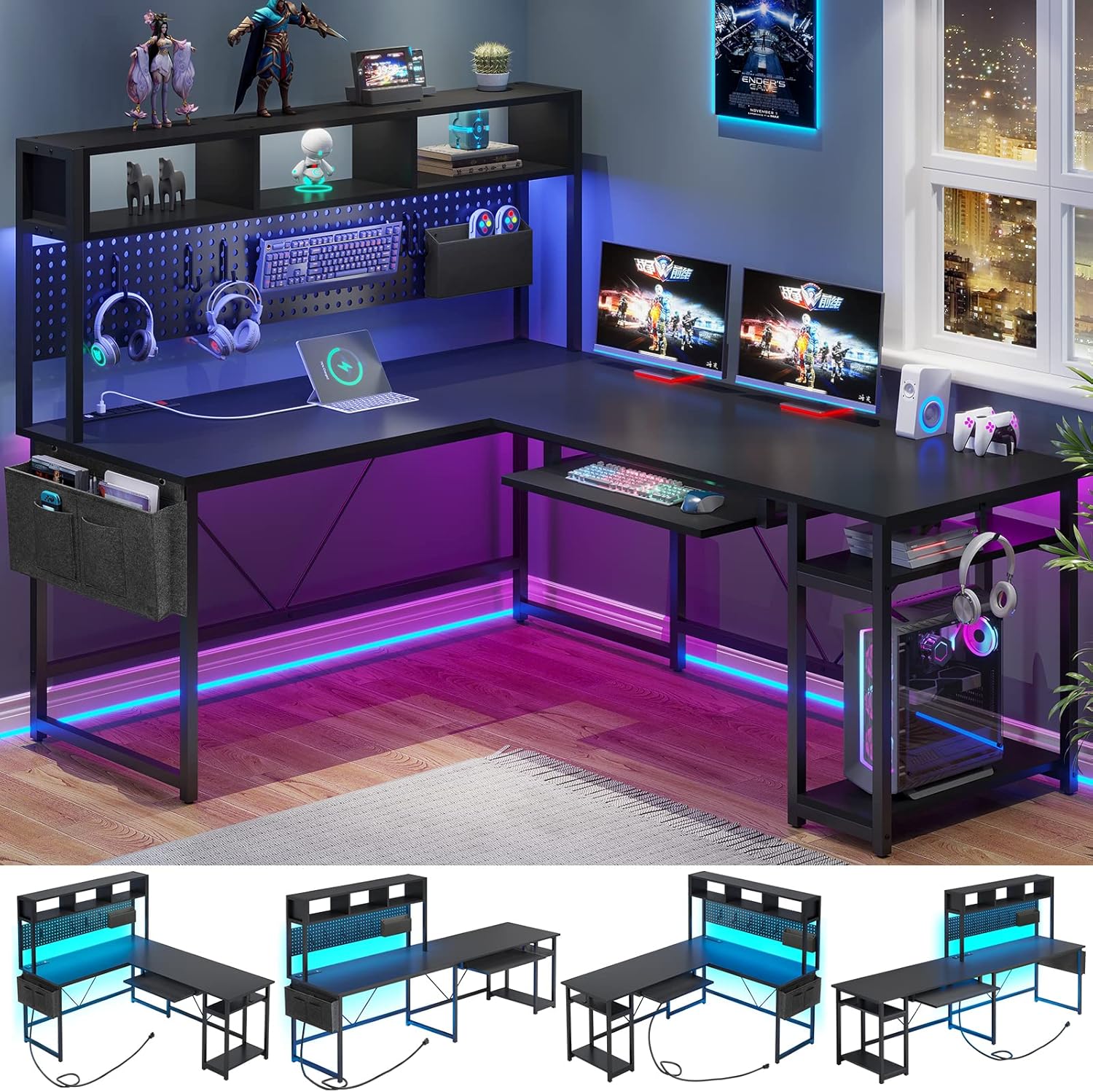


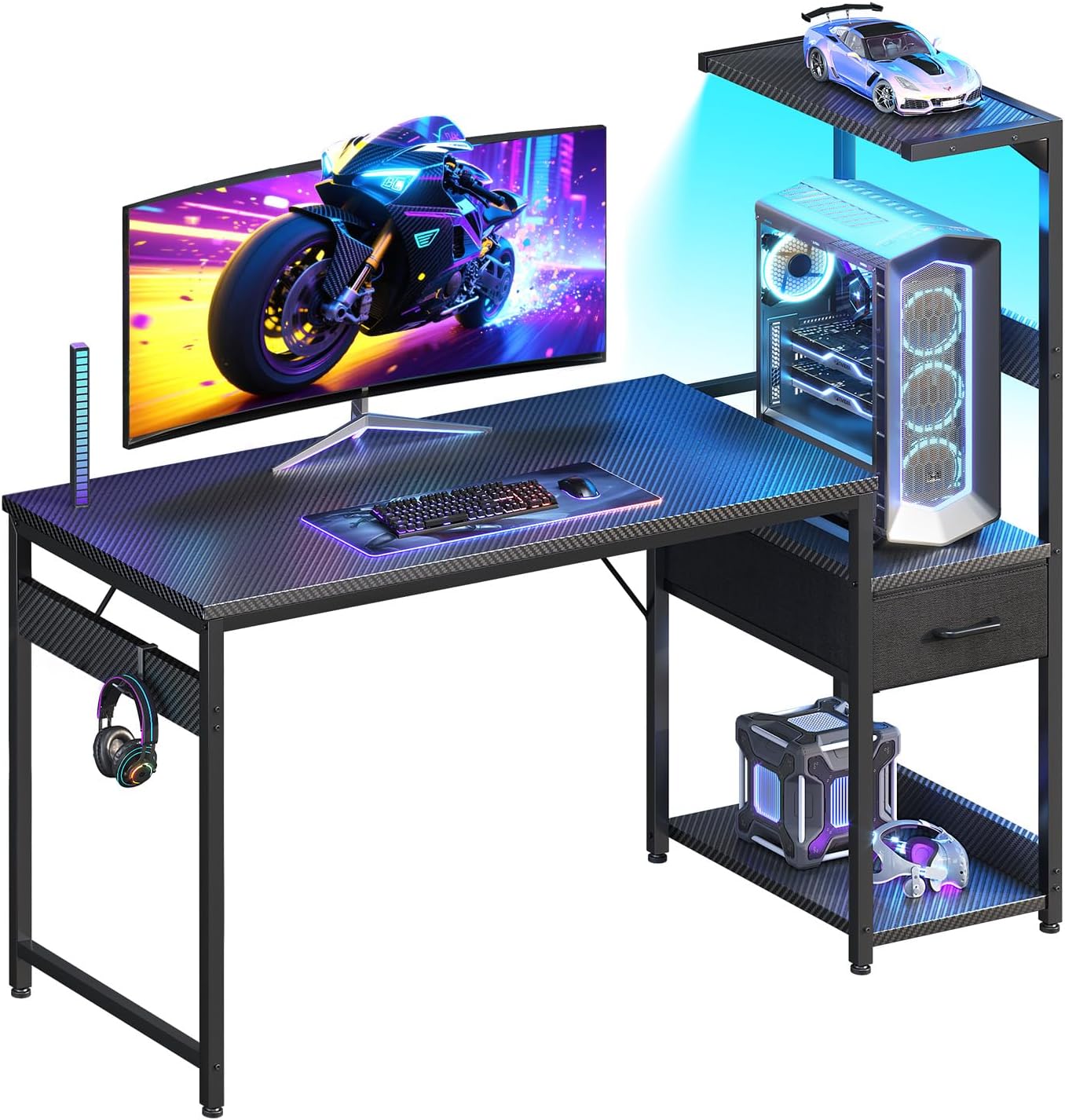

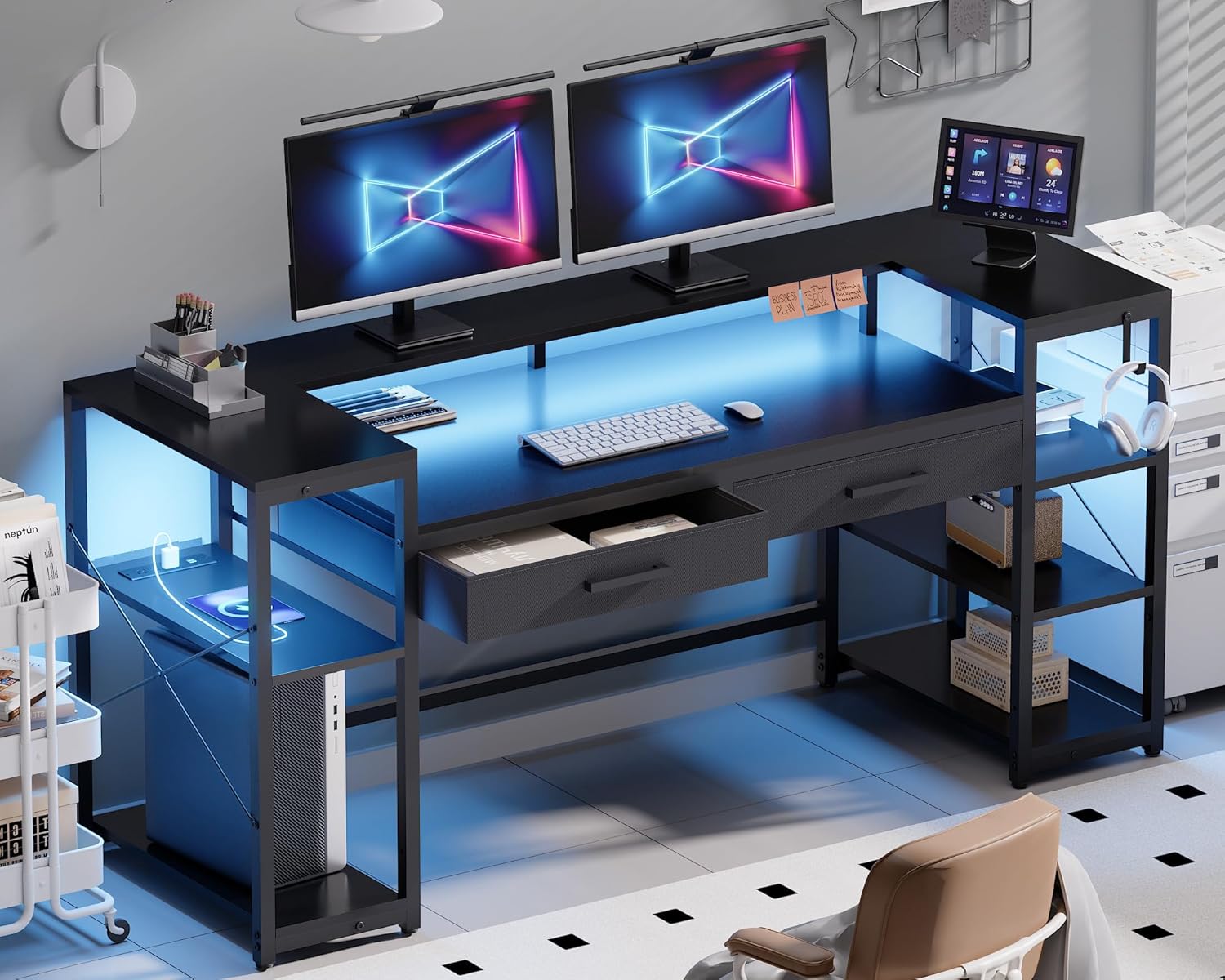


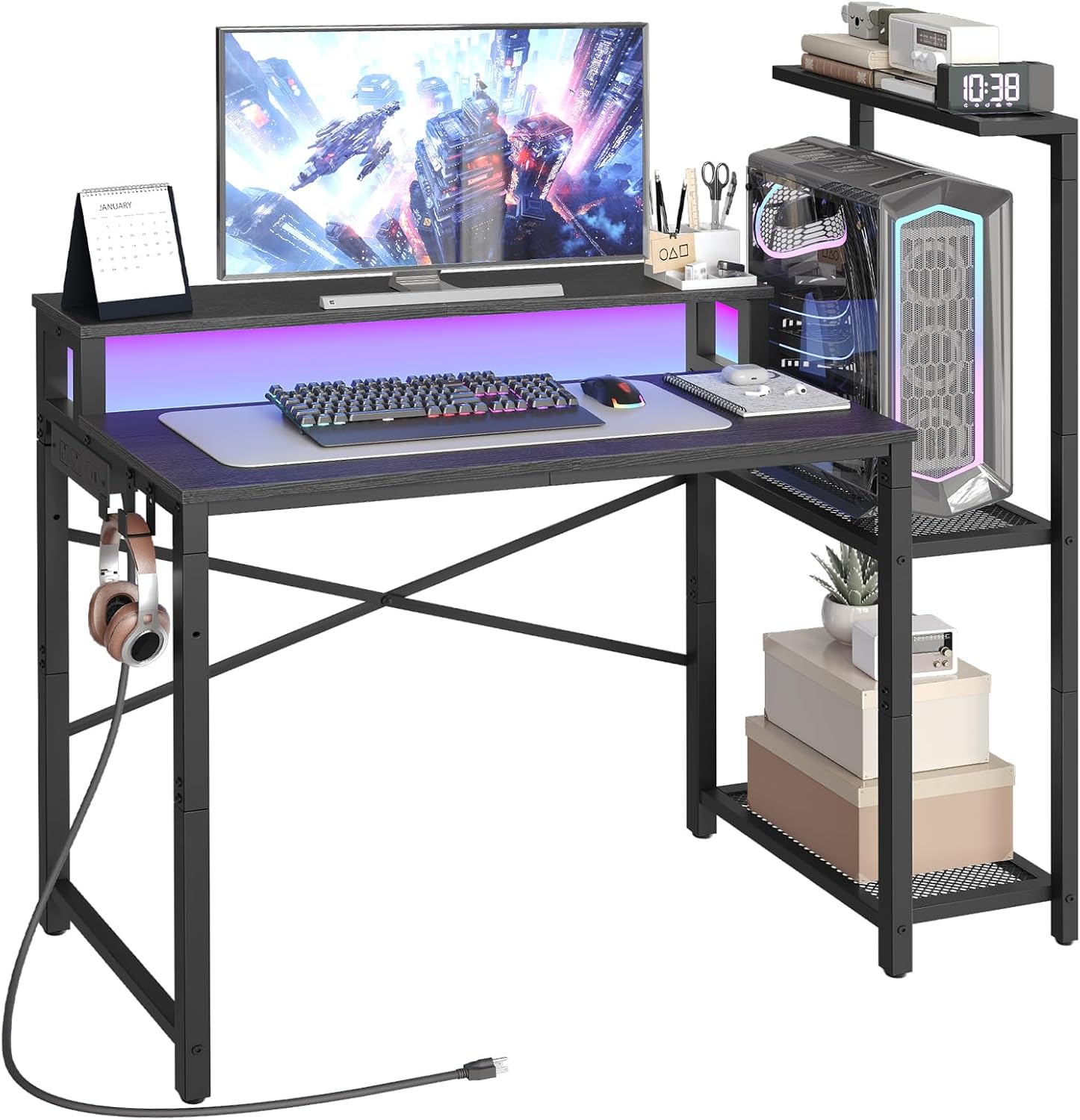


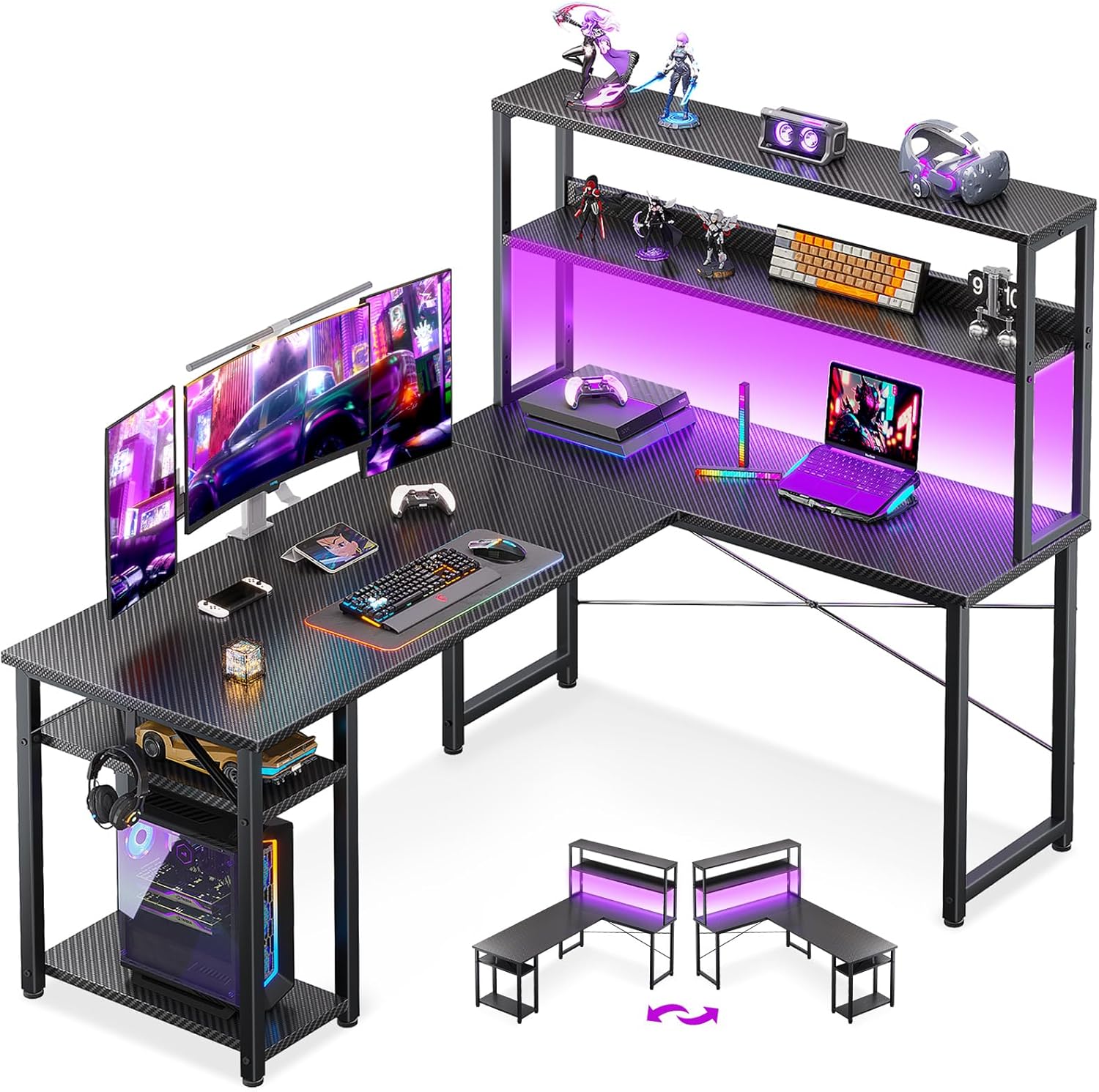
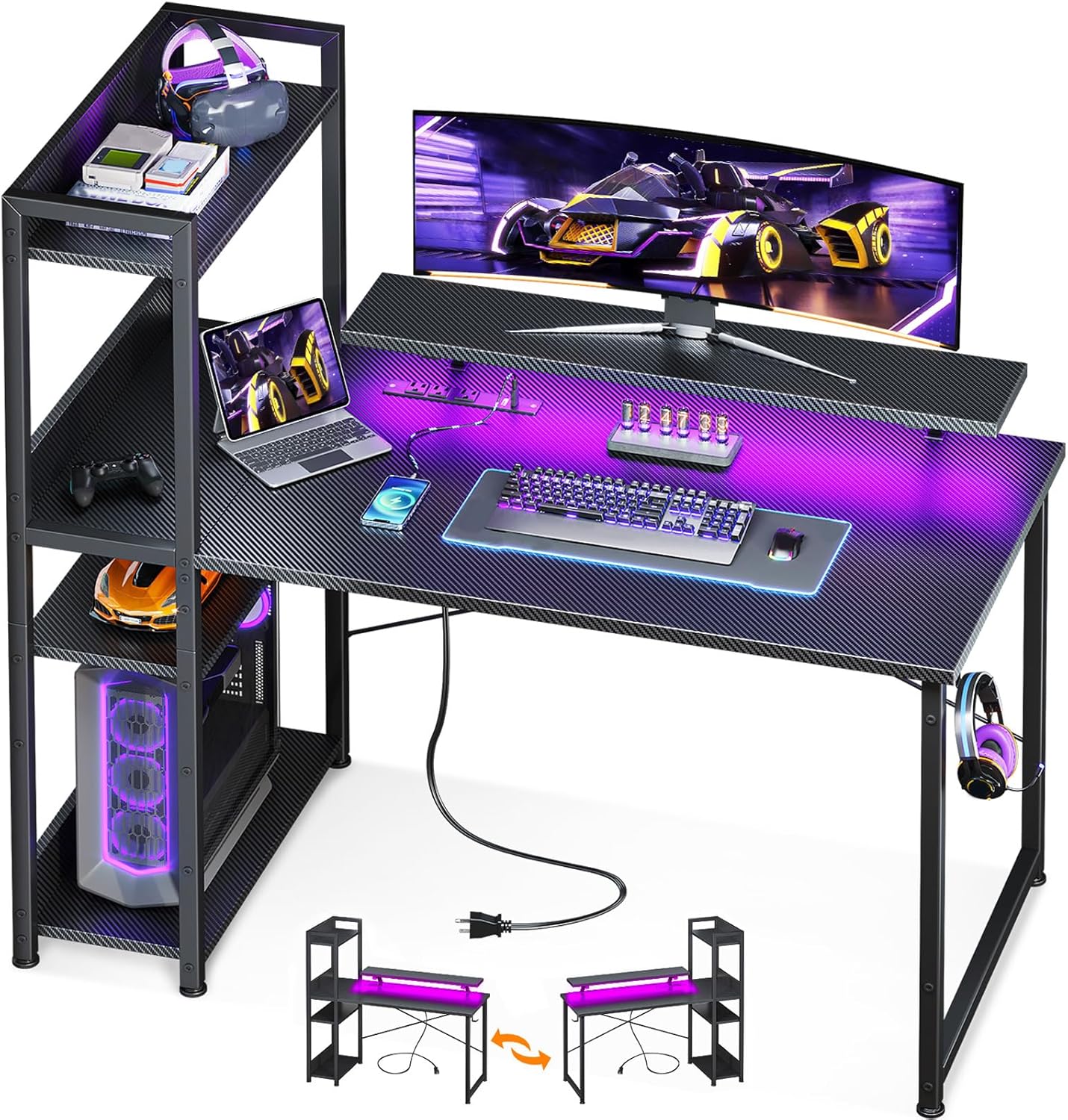


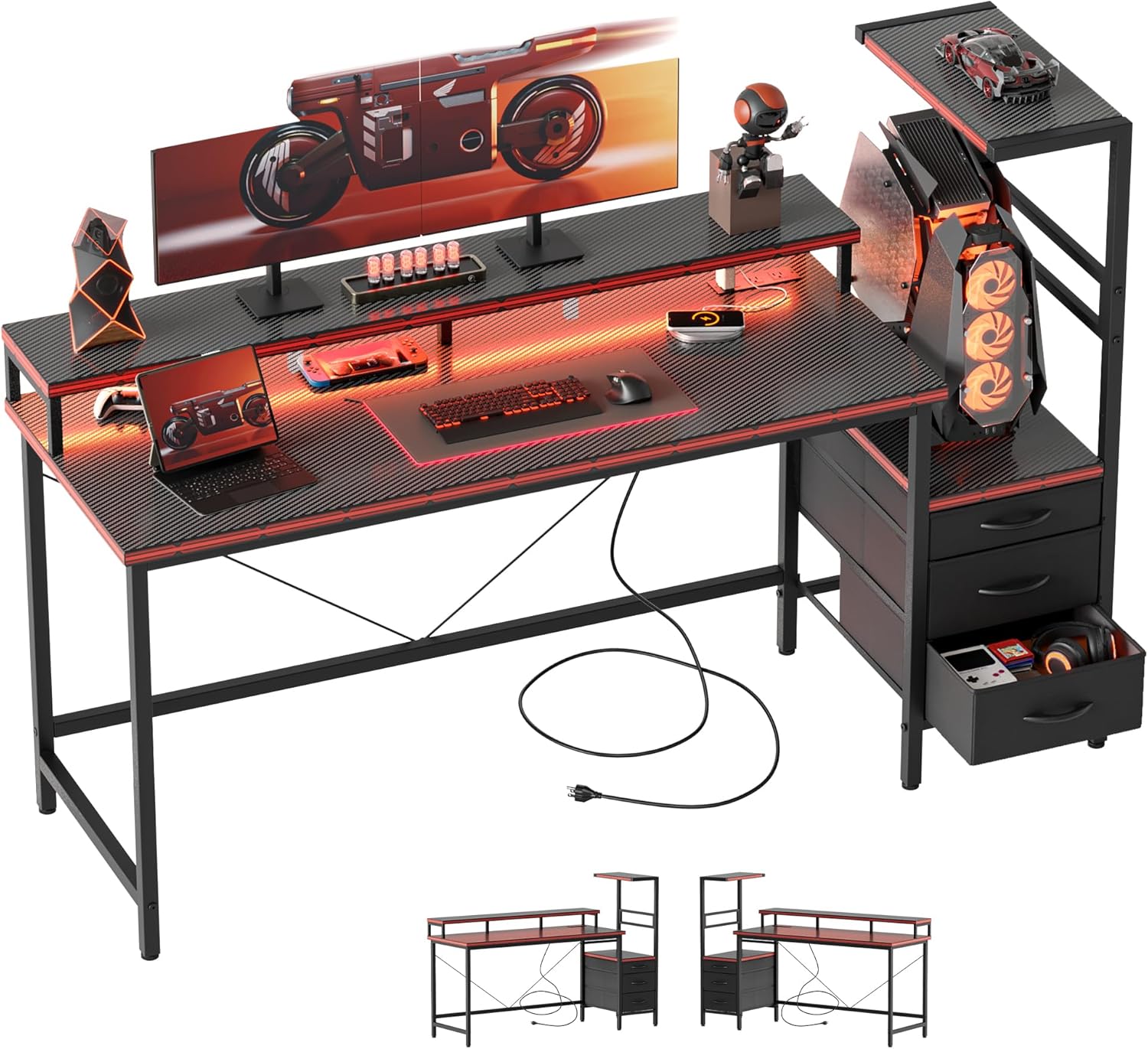
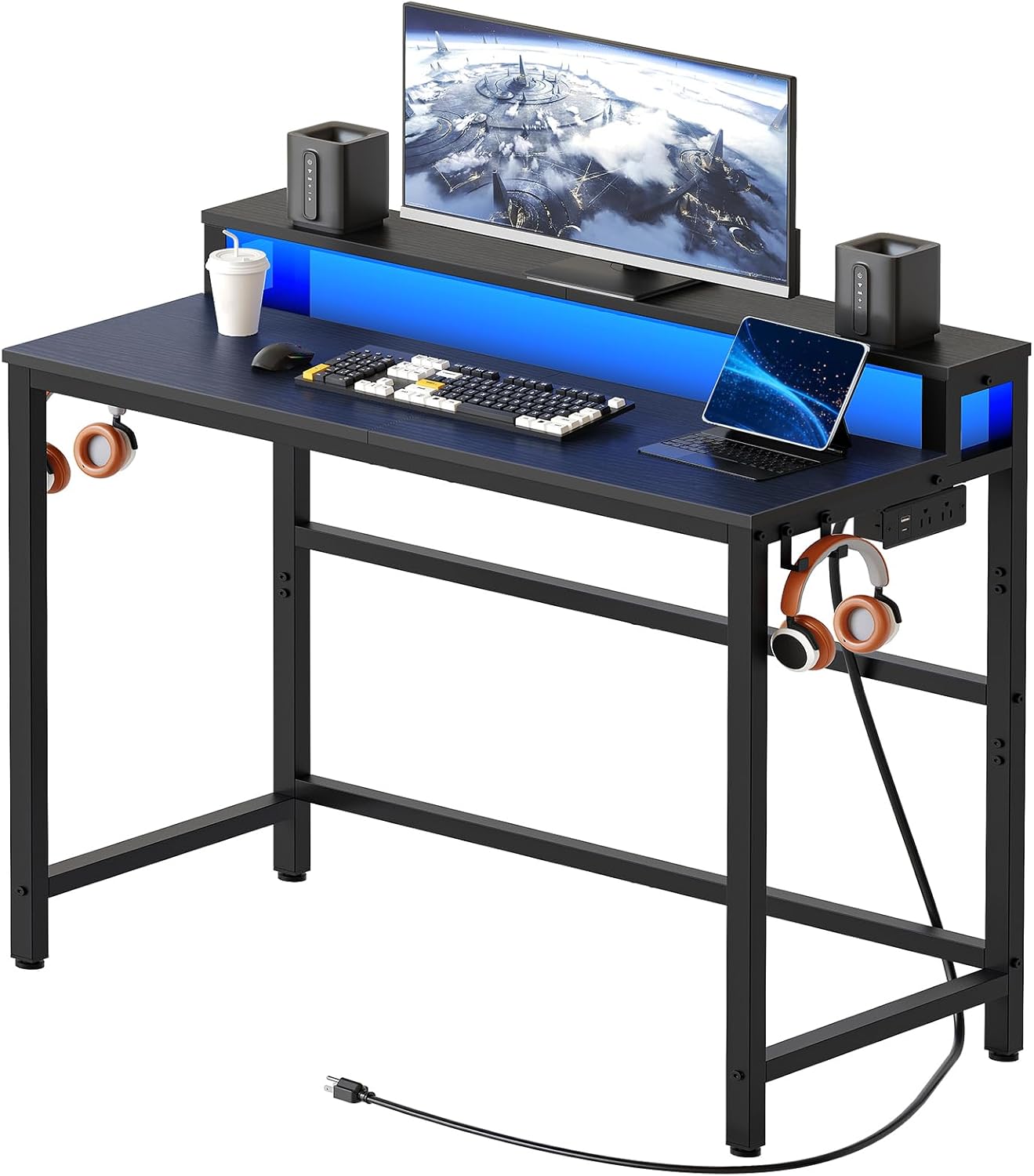
Gaming Desk Types Under $900
- Electric Standing Desk: Height adjustable with motor; premium option under $900 tier.
- Fixed Height Desk: Stable, affordable, large surface area; best value under $900.
- L-Shaped Desk: Corner configuration for maximum surface area.
- Gaming-Specific Desk: Monitor shelves, headset hooks, cup holders built in.
Best Gaming Desks Under $900 — Comparison Table
| Desk | Type | Size | Weight Capacity | Key Feature | Price | Rating |
|---|---|---|---|---|---|---|
| Flexispot E7 | Electric Sit-Stand | 48″–72″ | 355 lbs | Dual motor, 4 presets | ~$499 | 4.8/5 |
| Autonomous SmartDesk Pro | Electric Sit-Stand | 53″–71″ | 310 lbs | App control, bamboo top | ~$599 | 4.6/5 |
| Secretlab Magnus | Fixed Steel | 59″ | 330 lbs | Magnetic cable mgmt | ~$649 | 4.8/5 |
| Atlantic Gaming Desk Pro | Fixed Gaming | 74″ | 150 lbs | Monitor shelf + hooks | ~$219 | 4.5/5 |
| SHW Electric Standing Desk | Electric Sit-Stand | 55″ | 176 lbs | Budget standing desk | ~$299 | 4.3/5 |
Top 5 Gaming Desks Under $900 — Detailed Reviews
1. Flexispot E7 — Best Standing Gaming Desk Under $900
The Flexispot E7 is the standing desk recommendation for gaming under $900 that consistently beats expectations. Its dual-motor design delivers 355 lb weight capacity and excellent stability even at maximum standing height — critical for heavy multi-monitor gaming setups. The 4-preset memory keypad allows instant height changes between sitting and standing positions. The height range of 22.8″ to 48.4″ accommodates users from seated 5’0″ to standing 6’5″.
The E7 is available in multiple sizes (48″-72″) and numerous desktop surface options (black, white, walnut, bamboo) so you can configure it for your space precisely. Cable management accessories are available from Flexispot directly. The all-steel construction feels premium and has a 5-year warranty. At ~$499 for a standard configuration with a desktop, the Flexispot E7 provides the best value in electric standing desks under $900.
Pros: 355 lb capacity, dual motor, excellent stability, size customization, 5-year warranty
Cons: Desktop surface quality varies by option, assembly takes time
Best for: Gamers wanting electric standing desk under $900, health-conscious setup builders
2. Secretlab Magnus — Best Premium Fixed Gaming Desk Under $900
The Secretlab Magnus at ~$649 is the most innovative fixed gaming desk available under $900. Its cold-rolled steel surface supports a magnetic ecosystem — a full-width magnetic cable management channel runs underneath, and accessories like the monitor arm, desk mat, and LED strip attach magnetically without tools. The resulting desk setup is extraordinarily clean and organized. The industrial design looks striking in any gaming room.
The 330 lb weight capacity handles heavy multi-monitor setups. The steel surface itself is smooth and durable. The fixed height (29″) suits most standard chair heights. At ~$649, the Magnus base leaves room in the $900 budget for a Magnus MAGPAD desk mat or monitor arm accessory, creating a complete premium desk solution for the budget.
Pros: Magnetic cable management, premium steel construction, clean aesthetic, ecosystem accessories
Cons: Fixed height only, accessories cost extra
Best for: Aesthetics-focused gamers, organization enthusiasts, premium fixed desk buyers
3. Autonomous SmartDesk Pro — Best Value Standing Gaming Desk
The Autonomous SmartDesk Pro offers electric sit-stand functionality with app control at a competitive price. The smartphone app allows height adjustment and stores custom profiles — useful for households with multiple users. Bamboo desktop options add premium natural material aesthetics. The dual motor handles 310 lbs reliably and the height range covers most users comfortably.
At ~$599, the SmartDesk Pro leaves $300 in the $900 budget for monitor arms, cable management, and desk accessories that complete the gaming setup. The Autonomous ecosystem (ErgoChair, monitor arm) integrates well for a coordinated home office/gaming aesthetic. Customer service is responsive for warranty issues.
Pros: App control, bamboo option, competitive price, Autonomous ecosystem
Cons: 310 lb capacity lower than Flexispot E7, shorter warranty
Best for: App control preference, bamboo aesthetic lovers, Autonomous ecosystem users
4. Atlantic Gaming Desk Pro — Best Large Fixed Gaming Desk Under $900
The Atlantic Gaming Desk Pro delivers 74 inches of gaming surface with built-in gaming-specific features at a budget price that leaves substantial room within the $900 budget. The elevated monitor shelf positions screens at ergonomic eye level. Integrated headset hook, cup holder, speaker stands, and controller stand organize gaming peripherals cleanly. The carbon fiber texture surface resists scratches and looks professional.
At ~$219, the Atlantic leaves $680 within the $900 budget for other setup investments — a quality gaming chair, monitor, or accessories. For gamers who want a large, feature-rich gaming desk without the sit-stand premium, the Atlantic Gaming Desk Pro is exceptional value.
Pros: 74″ surface, gaming features built-in, monitor shelf, great value
Cons: Fixed height, 150 lb capacity is limiting for heavy setups
Best for: Budget-first gaming desk buyers, large surface area seekers
5. SHW Electric Height Adjustable Desk — Best Entry Standing Desk for Gaming
The SHW Electric Standing Desk provides electric height adjustment at the most accessible price under $900. The 55″ surface handles single-monitor gaming setups comfortably. The single-motor system adjusts height from 28″ to 46″ covering most sitting and standing positions. The 176 lb weight capacity is adequate for monitor, keyboard, mouse, and accessories — just not multiple heavy monitors simultaneously.
At ~$299, it’s the most affordable electric standing desk on this list and leaves significant budget within the $900 limit for other setup investments. Assembly is straightforward. For first-time standing desk buyers or those with modest setup weight, the SHW provides the standing desk benefit at the lowest cost of entry.
Pros: Very affordable standing desk, adequate for single-monitor setups, easy assembly
Cons: Single motor less stable than dual, 176 lb limit restricts heavy setups
Best for: Entry-level standing desk buyers, light single-monitor gaming setups
Gaming Desk Under $900: Build vs Buy
At the $900 budget, you can either buy one premium desk (Flexispot E7, Secretlab Magnus) or buy an affordable desk and allocate remaining budget to other setup components. For most gamers, the Flexispot E7 at ~$499 strikes the best balance — quality electric standing desk that improves health and ergonomics, leaving $400 for a quality monitor arm, cable management, and accessories.
Complete your gaming setup with our best gaming chairs under $150 and best gaming monitors under $250 guides.
Frequently Asked Questions
Is a standing desk worth it for gaming?
Yes, especially for gamers who spend 4+ hours daily at their setup. Alternating between sitting and standing reduces back and hip pain, improves circulation and energy, and can reduce long-term health risks. The Flexispot E7 at ~$499 offers excellent standing desk value under the $900 budget.
What size gaming desk do I need?
Single monitor: 48-55″ width is sufficient. Dual monitors: 55-65″ minimum. Triple monitors or ultrawide: 65″+ or L-shaped. Depth should be at least 24″ for monitors at comfortable viewing distance. Deeper is better — 30″ depth provides more space for keyboard, mouse, and other items.
How important is cable management in a gaming desk?
Very important for maintaining a clean, organized setup. Tangled cables reduce airflow, look unprofessional on stream, and create frustration when moving equipment. Look for desks with cable management grommets, raceways, or trays. The Secretlab Magnus’s magnetic cable channel is the most elegant solution available.
Can I put a gaming PC tower on a standing desk?
Yes, but be aware of cable stretch when transitioning between sitting and standing heights. Allow 12-18″ of slack in all cables connected to the tower. Consider placing the tower on a separate floor stand beside the desk rather than on the desk surface if cable management is a concern.
Related Guides You May Like
- Best Gaming Desks for Under $700 in 2026: Top Picks for Space, Style, and Ergonomics
- Best Gaming Desks for Under $1800 in 2026: Premium Standing Desks and Ultimate Setups
- Best Gaming Desks in 2026: Top Picks for Every Setup and Budget
- Best Gaming Desks for Under $500 in 2026: Top Picks for Every Setup
- Best Gaming Desks for Under $450: Top Picks for Your Setup in 2026


Write Your Review
No reviews yet. Be the first to share your experience!