

Best Gaming Desks for Under $1200 in 2025: Premium Setups at Mid-Range Prices
The best gaming desks for under $1200 put you in premium territory — electric sit-stand frames, solid hardwood or bamboo tops, robust cable management systems, and enough surface area for any multi-monitor setup. At this budget, you no longer have to compromise between quality, size, and features. Whether you want an electric standing desk with memory presets, a massive L-shaped corner desk, or a sleek minimalist surface, under $1200 buys you an exceptional gaming desk that will last a decade or more.
We’ve tested the best desks in this price range to find options that justify the investment. For budget alternatives, see our best gaming desks under $900 and best gaming desks overall guides.


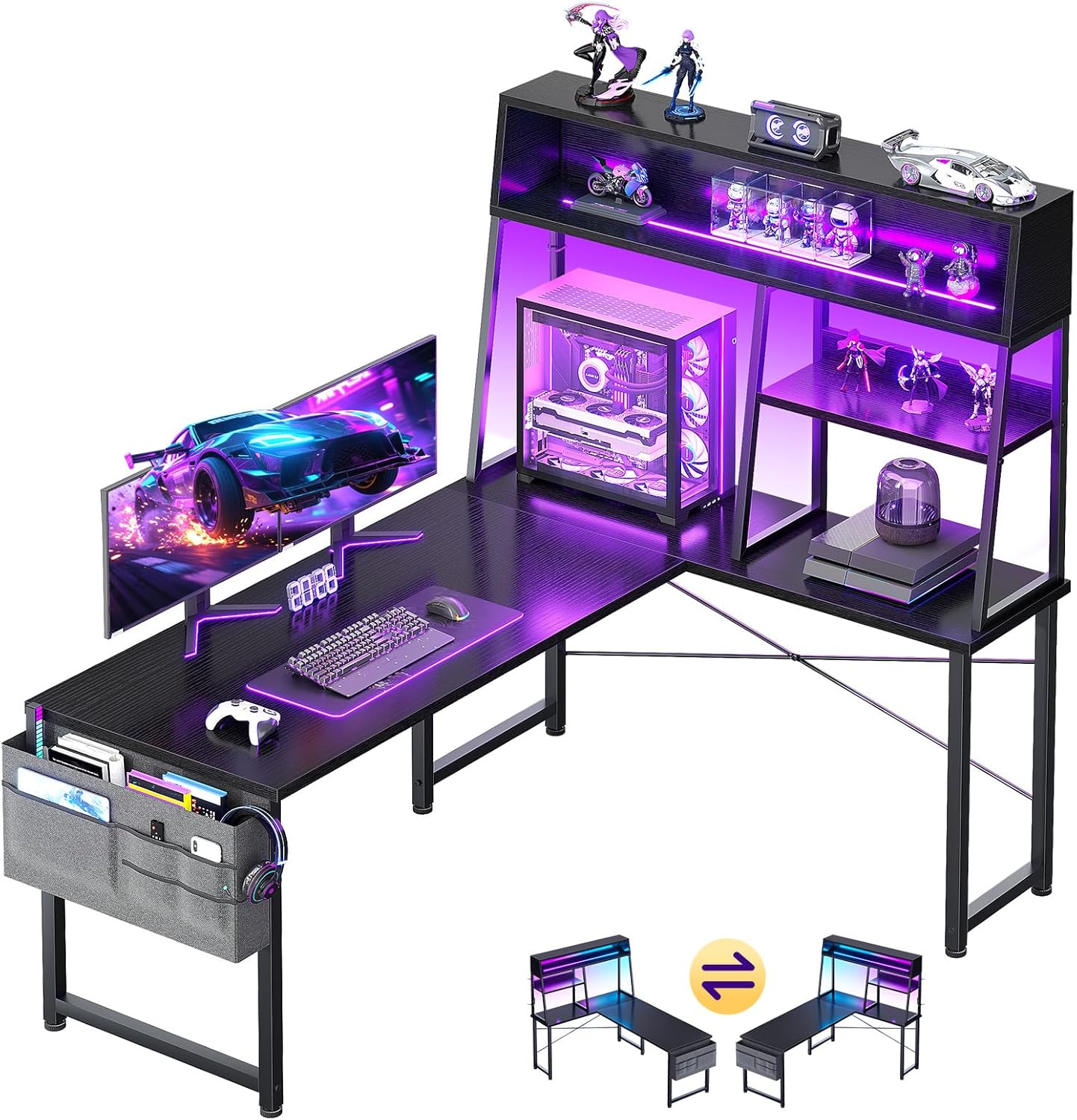
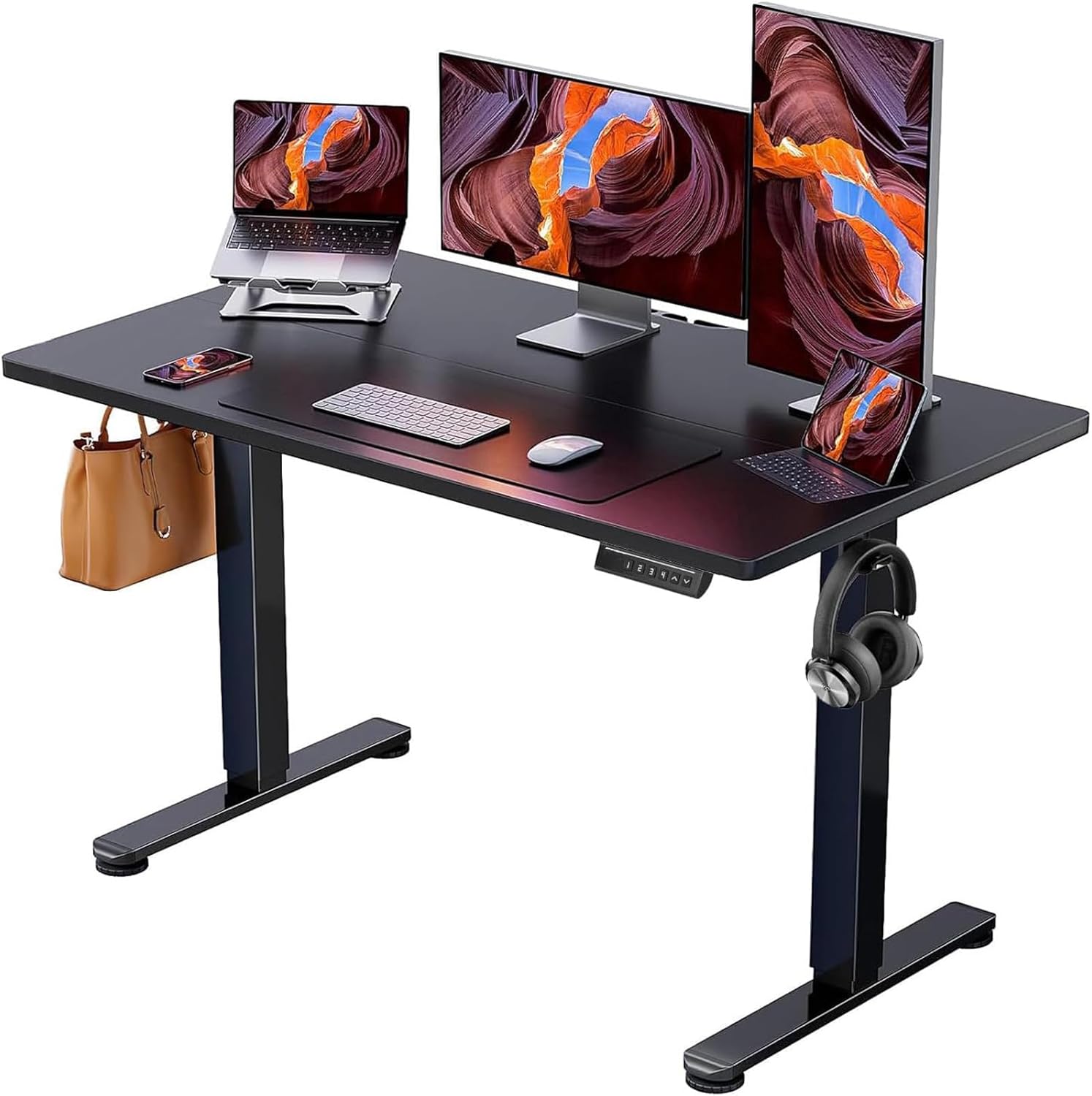


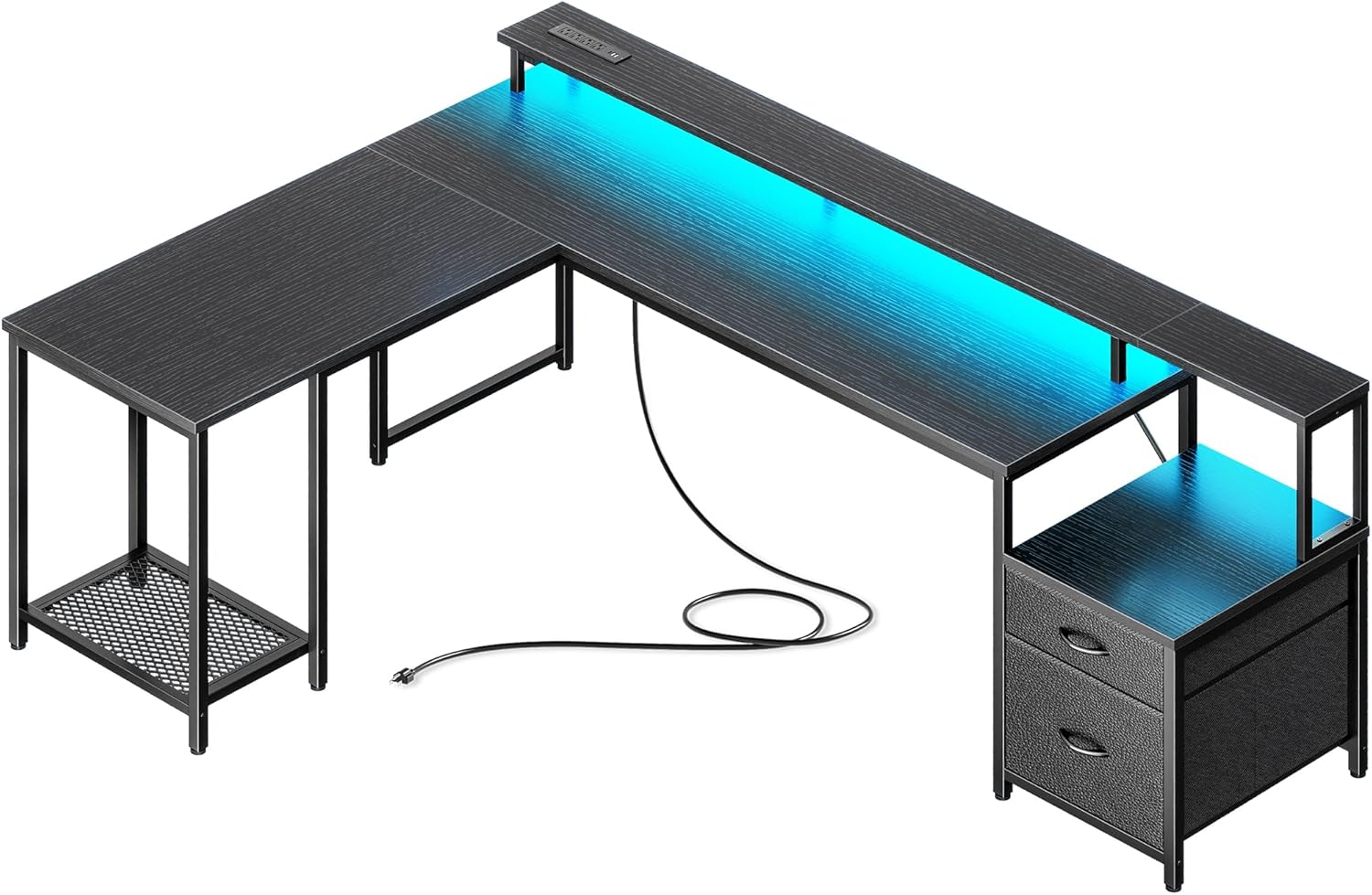


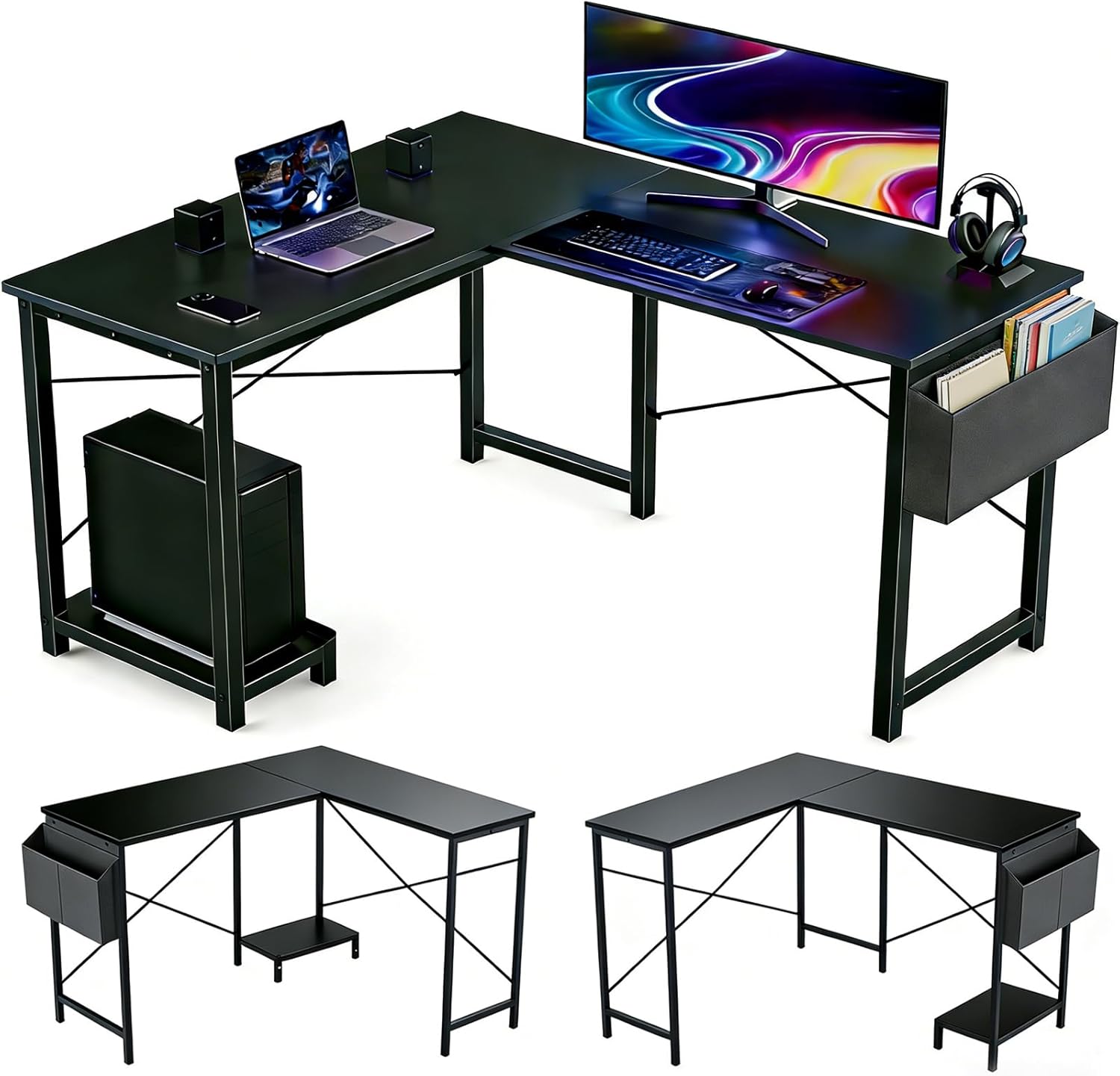
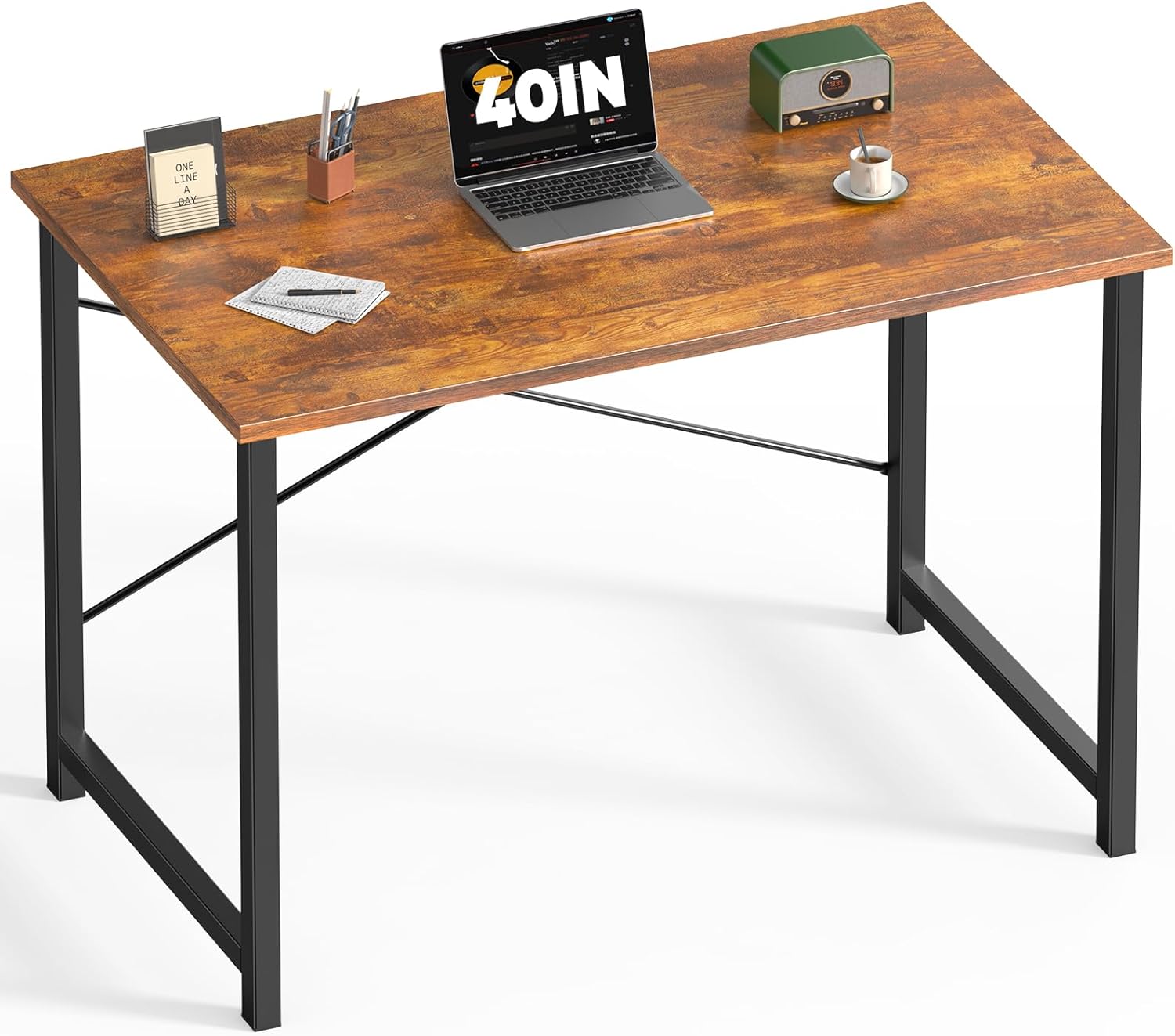


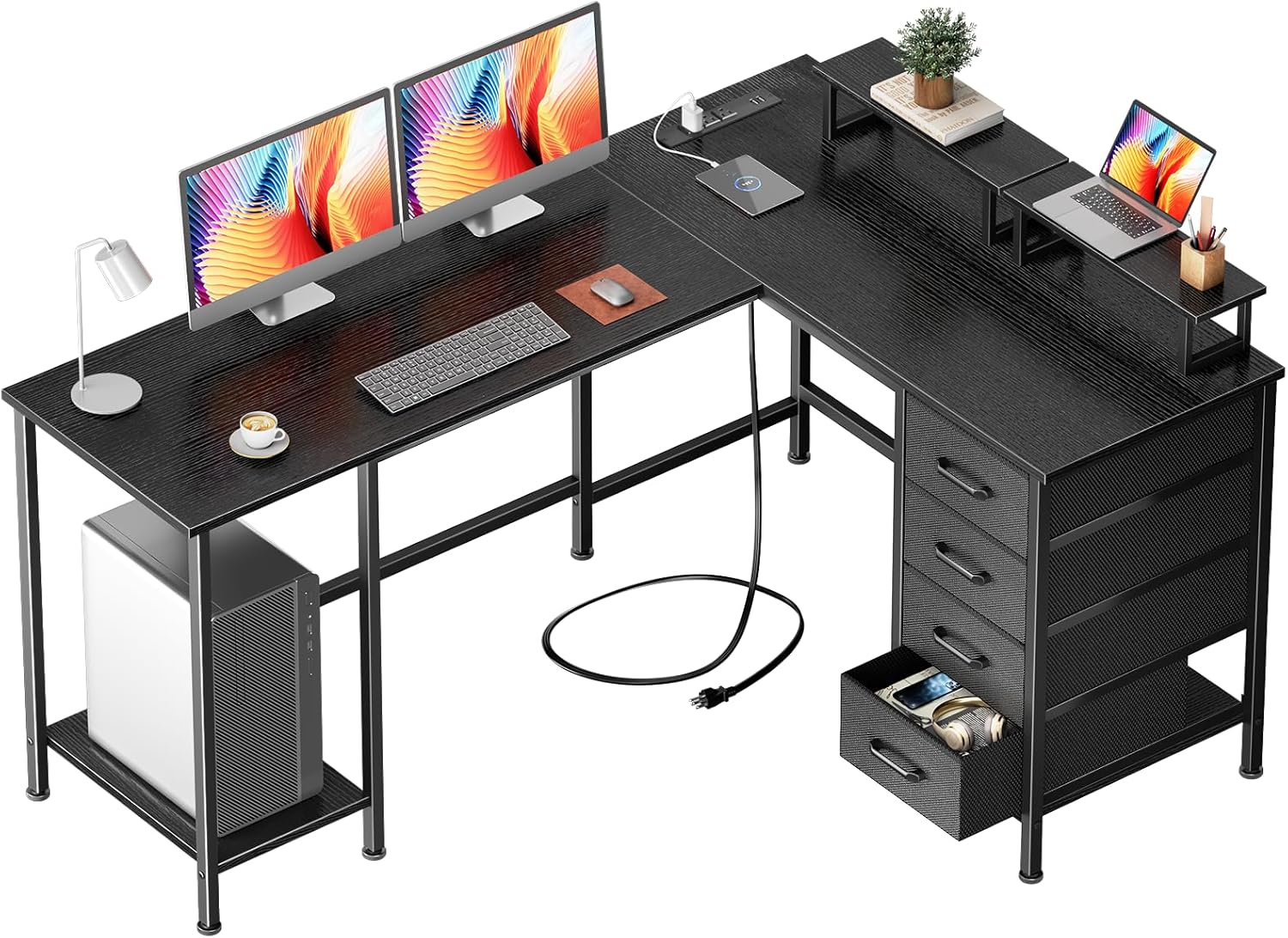

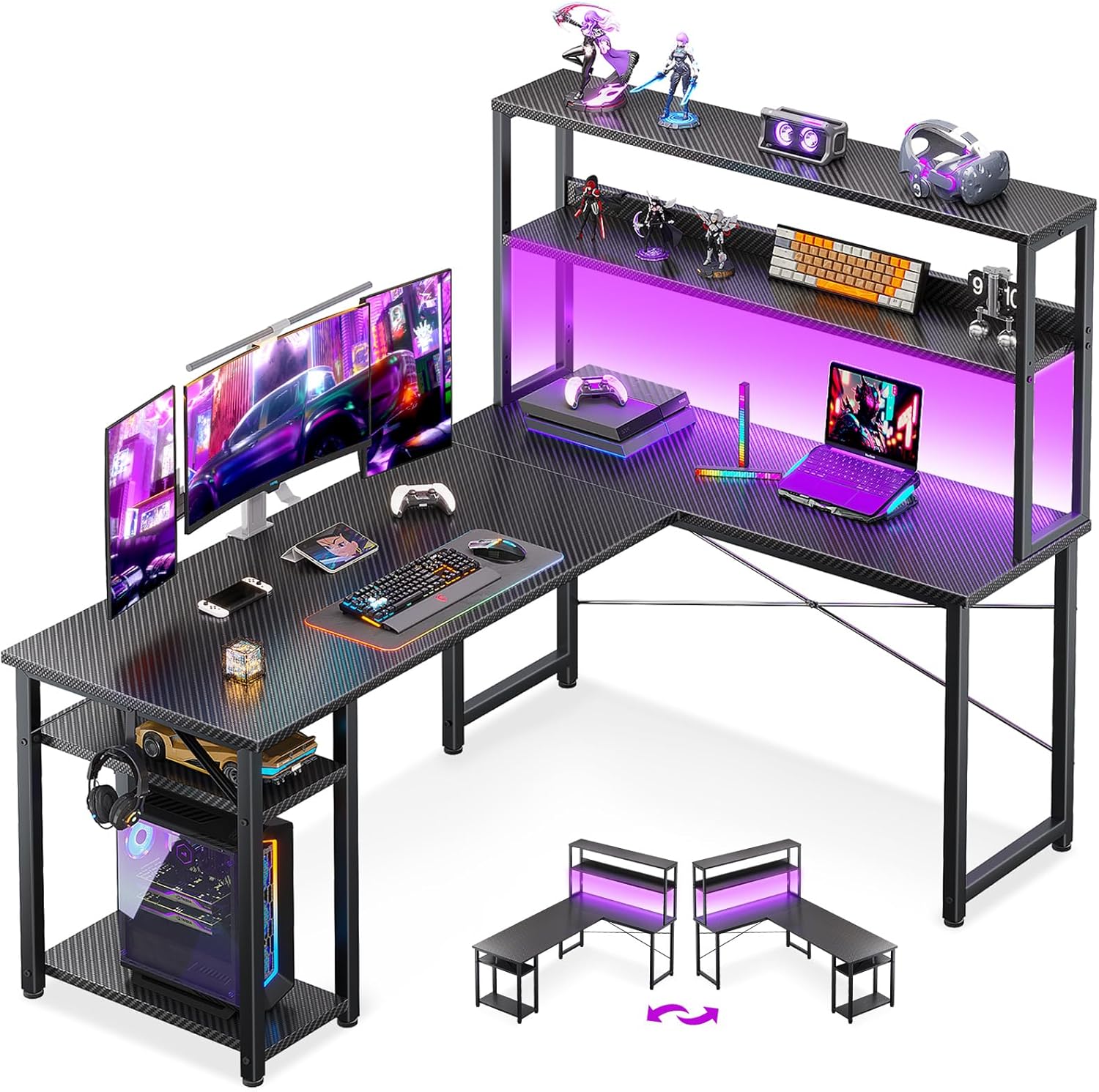


What $1200 Gets You in a Gaming Desk
- Electric Sit-Stand: Premium dual-motor frames with 400+ lb capacity and whisper-quiet operation.
- Premium Tops: Real bamboo, solid wood, or thick MDF with durable coatings.
- Cable Management: Integrated cable trays, wire channels, and desk grommets.
- Size: Up to 80 inches wide or L-shaped configurations for multiple monitors.
- Warranty: 10-15 year frame warranties from premium brands.
Best Gaming Desks Under $1200 — Comparison Table
| Desk | Type | Size | Weight Capacity | Height Range | Price | Rating |
|---|---|---|---|---|---|---|
| Secretlab Magnus Pro | Electric Sit-Stand | 59″ | 330 lbs | 24.8″–49.2″ | ~$849 | 4.9/5 |
| UPLIFT V2 Standing Desk | Electric Sit-Stand | 48″–80″ | 535 lbs | 22.6″–48.7″ | ~$699–$999 | 4.9/5 |
| Flexispot E7 Pro Plus | Electric Sit-Stand | 55″–71″ | 440 lbs | 23.6″–49.2″ | ~$699 | 4.8/5 |
| Autonomous SmartDesk Pro | Electric Sit-Stand | 53″–71″ | 310 lbs | 26.2″–52″ | ~$599 | 4.6/5 |
| Steelcase Flex Personal Desk | Electric Sit-Stand | 48″–72″ | 250 lbs | 22″–46″ | ~$1,100 | 4.7/5 |
Top 5 Gaming Desks Under $1200 — Detailed Reviews
1. UPLIFT V2 Standing Desk — Best Overall Gaming Desk Under $1200
The UPLIFT V2 is the gold standard for standing desks, and its pricing fits comfortably within the $1200 budget when configured with popular top options. The industry-leading 535 lb weight capacity handles any gaming setup conceivably — triple monitors, full PC tower on the desk, peripherals, and more — without any wobble at standing height. The smooth, quiet dual-motor system transitions between sitting and standing quickly. Four programmable height memory presets, an advanced keypad with anti-collision detection, and a digital readout make using it effortless.
UPLIFT’s 15-year warranty is the longest available and backed by genuine customer service. The wide range of top materials (laminate, bamboo, hardwood) and sizes (48″ to 80″) means you can configure the perfect desk for your space. For gamers making a long-term investment in their workspace, the UPLIFT V2 is the benchmark that others are measured against.
Pros: 535 lb capacity, 15-year warranty, widest size selection, whisper-quiet motors, anti-collision
Cons: Premium configuration can exceed $1200, assembly takes time
Best for: Long-term investment buyers, heavy multi-monitor setups, large home offices
2. Secretlab Magnus Pro — Best Premium Gaming Desk Under $1200
The Secretlab Magnus Pro brings a unique magnetic ecosystem approach to gaming desks. The cold-rolled steel frame and surface support a magnetic cable management channel, monitor arm, and desk mat that all attach without tools. The electric height adjustment moves silently and precisely. The industrial design aesthetic — minimal, angular, professional — stands apart from typical gaming desk aesthetics while fitting any room style.
At ~$849, the Magnus Pro base price is within budget, though adding the full Magnus accessory ecosystem (MAGPAD, monitor arm, LED lighting strip) can approach the $1200 ceiling. The 330 lb capacity is sufficient for most setups, and the steel surface feels incredibly solid. For aesthetes who want a premium gaming desk that looks as good as it performs, the Magnus Pro is special.
Pros: Magnetic accessory ecosystem, premium steel build, silent motors, unique aesthetic
Cons: Ecosystem accessories cost extra, 330 lb capacity lower than UPLIFT
Best for: Design-conscious gamers, those wanting a unified magnetic accessory system
3. Flexispot E7 Pro Plus — Best Stability Under $1200
The Flexispot E7 Pro Plus prioritizes structural stability with its all-steel construction and 440 lb weight capacity. A unique four-leg design (available on select configurations) provides exceptional rigidity at maximum standing height — noticeably more stable than standard two-leg frames. The dual motors are quiet and reliable, and the memory keypad stores four height positions. A built-in USB charging port adds desk-side convenience.
At ~$699 for the base model, the E7 Pro Plus leaves room in the $1200 budget for a premium top material upgrade (bamboo, real wood) and accessories. The T-shaped base provides excellent weight distribution. For gamers who prioritize rock-solid stability for large monitor setups, the E7 Pro Plus is the best choice at this price point.
Pros: Exceptional stability, 440 lb capacity, four-leg option, USB charging, good value
Cons: Shorter warranty than UPLIFT, fewer top material options
Best for: Stability-focused buyers, large monitor arm setups, heavy peripheral users
4. Autonomous SmartDesk Pro — Best Value Under $1200
The Autonomous SmartDesk Pro delivers electric sit-stand functionality at a price that leaves significant budget for accessories and peripherals. The dual-motor frame handles 310 lbs reliably, and the 26.2″ to 52″ height range accommodates very tall users standing. Four programmable presets and a clean app integration make adjustment convenient. The desktop surface options include premium bamboo and real wood finishes that look excellent.
At ~$599, the SmartDesk Pro is one of the most accessible quality standing desks available. Autonomous’s ecosystem includes monitor arms, cable management trays, and desk mats that pair well. For gamers wanting electric height adjustment with budget to spare for other upgrades, this is the pick.
Pros: Very affordable standing desk, app integration, bamboo option, wide height range
Cons: 310 lb capacity lower than premium competitors, shorter warranty
Best for: Budget-minded buyers wanting electric standing desk
5. Steelcase Flex Personal Desk — Best Ergonomics Under $1200
Steelcase’s reputation in office ergonomics is unmatched, and the Flex Personal Desk brings that expertise to home gaming setups. The desk’s design prioritizes natural working postures, with a height range optimized for actual ergonomic use rather than maximum range. The quiet motor and clean aesthetics fit home offices and gaming spaces equally well. Steelcase’s build quality is exceptional and backed by their industry-leading warranty.
The Flex Personal Desk pairs particularly well with Steelcase’s Gesture or Leap chairs for a complete ergonomic workstation. At ~$1,100, it’s at the top of this budget range but represents premium ergonomic value for all-day gamers and work-from-home users who game in the evenings.
Pros: Steelcase ergonomic expertise, premium build, clean design, excellent warranty
Cons: Highest price in this roundup, less gamer-specific features
Best for: Work-from-home gamers, ergonomics-focused buyers, all-day desk users
Standing Desk vs Fixed Height: Which Is Right for You?
Under $1200, you have the budget for a quality electric standing desk. The health benefits of alternating between sitting and standing during long gaming and work sessions are well-documented — reduced back pain, improved circulation, better energy levels. For gamers who spend 6+ hours daily at their desk, the investment in a sit-stand desk pays back in comfort and health within months. If you primarily game for shorter sessions, a premium fixed desk leaves more budget for other setup components.
Pair your new desk with the right gaming chair from our best gaming chairs guide and complete your workspace with our best gaming desks under $1800 for even more options.
Frequently Asked Questions
Is a $1200 gaming desk worth it?
For gamers who spend significant daily time at their desk, yes. A premium electric standing desk in this price range lasts 10-15 years, improves health and comfort, and enhances the overall gaming experience. Amortized over the desk’s lifespan, the daily cost is minimal.
What size desk do I need for a triple monitor setup?
Triple 27-inch monitors require at least 65-72 inches of desk width, and preferably 72-80 inches. L-shaped desks handle triple monitors well by placing the center monitor directly ahead and side monitors on the angled wing. Monitor arms are highly recommended to reduce footprint.
How stable are electric standing desks at full height?
Premium standing desks like the UPLIFT V2 and Flexispot E7 Pro are very stable at full height even with heavy loads. Budget standing desks can wobble noticeably. Look for desks with at least 200 lb capacity, crossbar bracing, and positive stability reviews specifically mentioning standing height stability.
What desk top material is best for gaming?
MDF with a durable laminate finish is the most practical — it’s smooth, easy to clean, and resists impact. Bamboo is eco-friendly and very hard. Real wood looks premium but requires maintenance. Avoid glass tops for heavy gaming setups — they scratch and can crack under point loads.
Related Guides You May Like
- Best Gaming Desks for Under $700 in 2026: Top Picks for Space, Style, and Ergonomics
- Best Gaming Desks for Under $1800 in 2026: Premium Standing Desks and Ultimate Setups
- Best Gaming Desks for Under $900 in 2026: Premium Setups at Mid-Range Prices
- Best Gaming Desks in 2026: Top Picks for Every Setup and Budget
- Best Gaming Desks for Under $500 in 2026: Top Picks for Every Setup


Write Your Review
No reviews yet. Be the first to share your experience!